Painter first — but I build my own tools too. Three handmade Android apps, all free, no ads, no trackers. ← Back to the art
KestrelEye beta
My handmade Android camera app — help me test it.
I built my own camera app from scratch: full manual controls, RAW capture, video with time-lapse, subject tracking, macro mode with auto-macro, focus stack and batch catalog, a live histogram, preview-only Grey and Sepia looks, keystone correction, a stealth mode, one-tap sharing to TikTok, Instagram, Threads, Bluesky and Facebook, Finish in Studio — and zero ads or trackers. It's in open beta and I'd love more eyes on it — grab it, shoot with it, and tell me what breaks.
On a computer? Scan the code with your phone — this file only opens on Android phones and tablets.
How to install: 1) Tap Download — the file saves to your Downloads. 2) Open your Files app → Downloads and tap the .apk file (if it doesn't end in .apk, rename it so it does). 3) If asked what to open it with, choose Package installer — not Google. 4) Allow "install unknown apps" for Files if prompted, then tap Install.
New in v2.5.6: a SHOTS button in the side rail — your last 12 photos, tap one to share straight to TikTok, Instagram, Threads, Bluesky, Facebook or Studio; time-lapse video (hold VID in video mode, 60x); and keystone correction (KEY cycles off, up, down) for straightening converging lines. Also recently: v2.5.5 enlarged the rail touch targets and tidied the Studio send confirmation; v2.5.4 added the live histogram, Grey/Sepia preview looks, and the collapsible vertical rail.
Android only. Your phone will ask you to allow installs from your browser — that's normal for beta apps outside the Play Store. Found a bug or have an idea? Tell me.
Shot on KestrelEye
Straight out of the camera, no edits. Fall 2026.
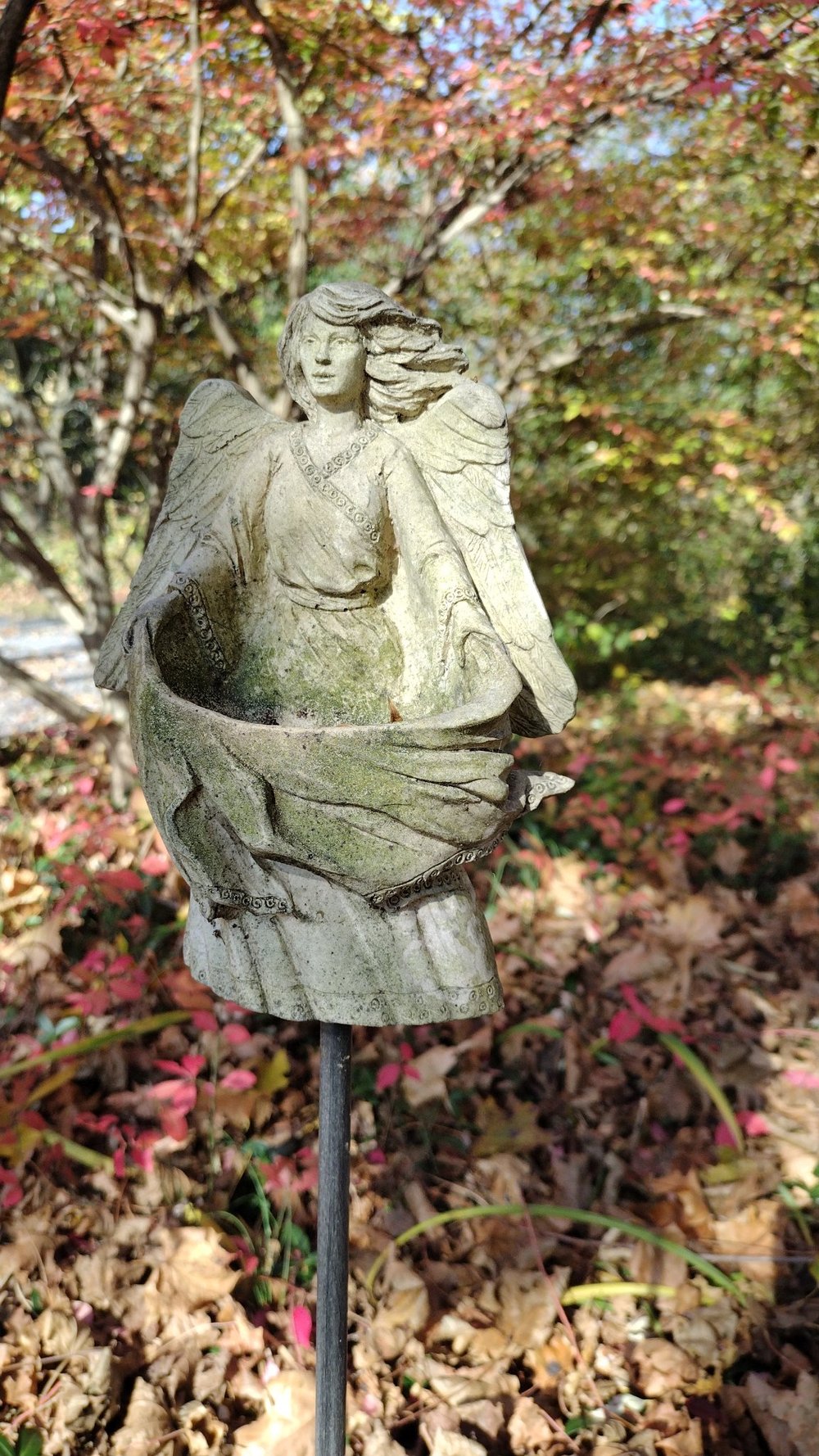
Garden angel
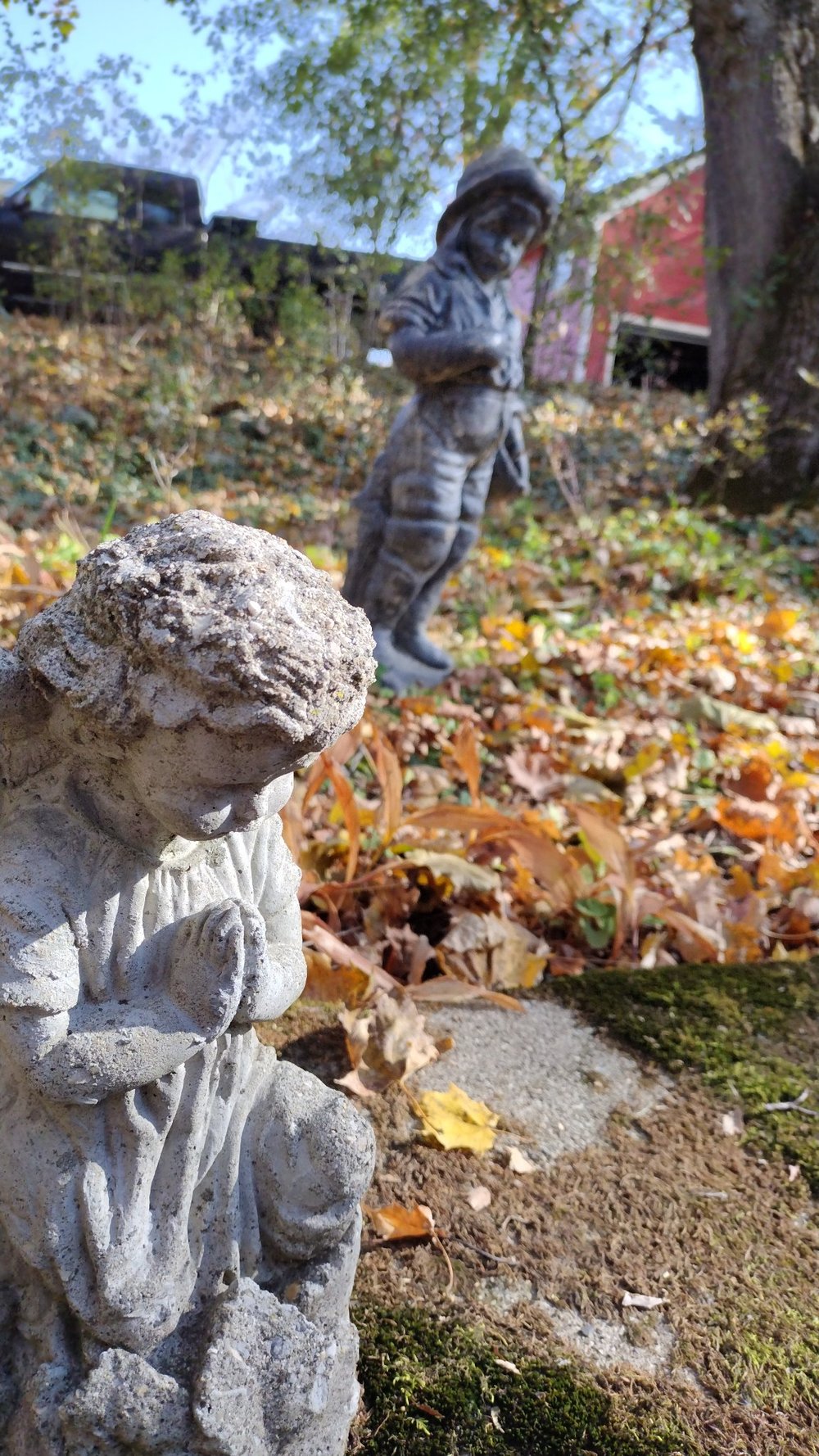
Two statues, near and far
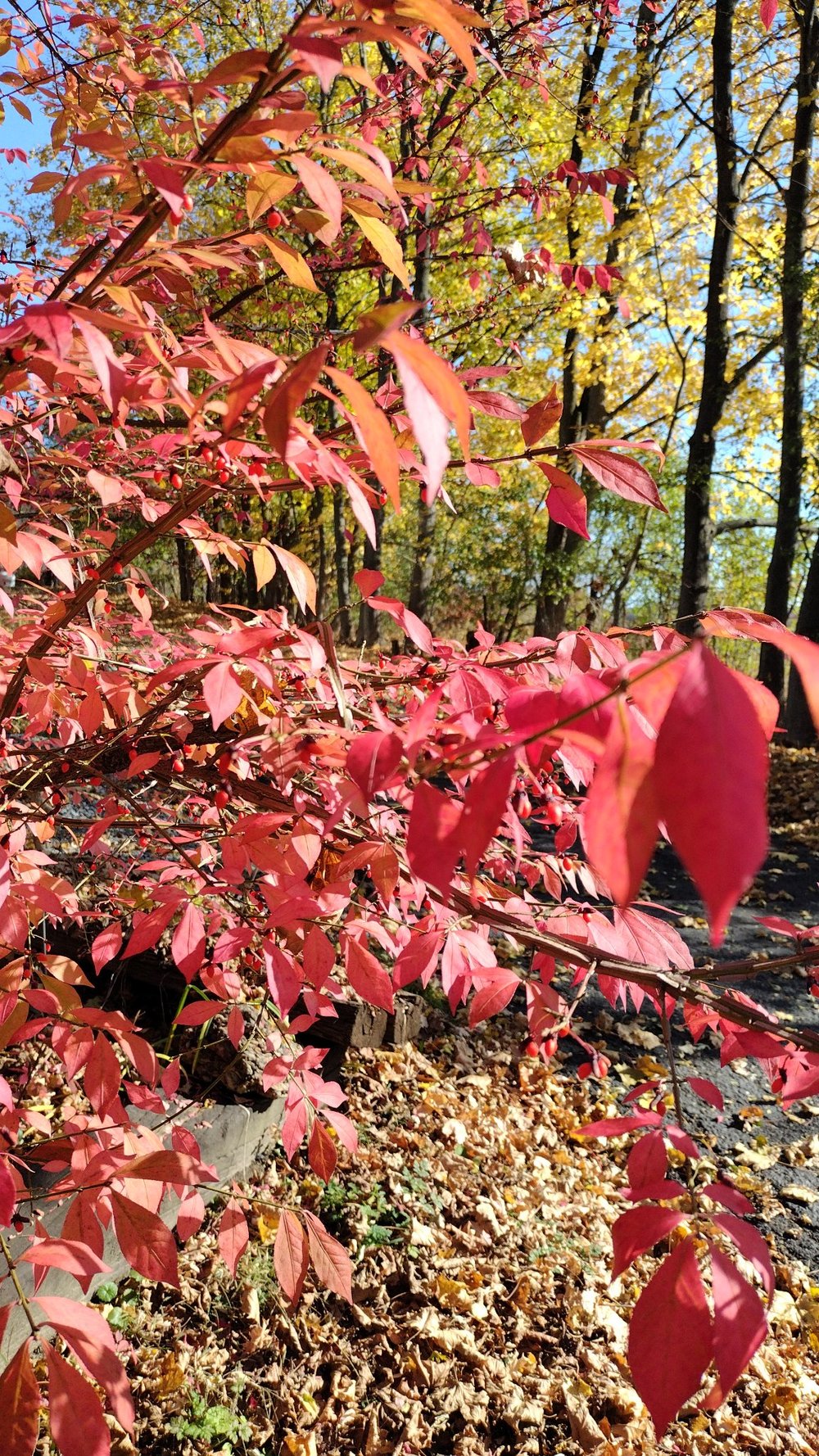
Burning bush
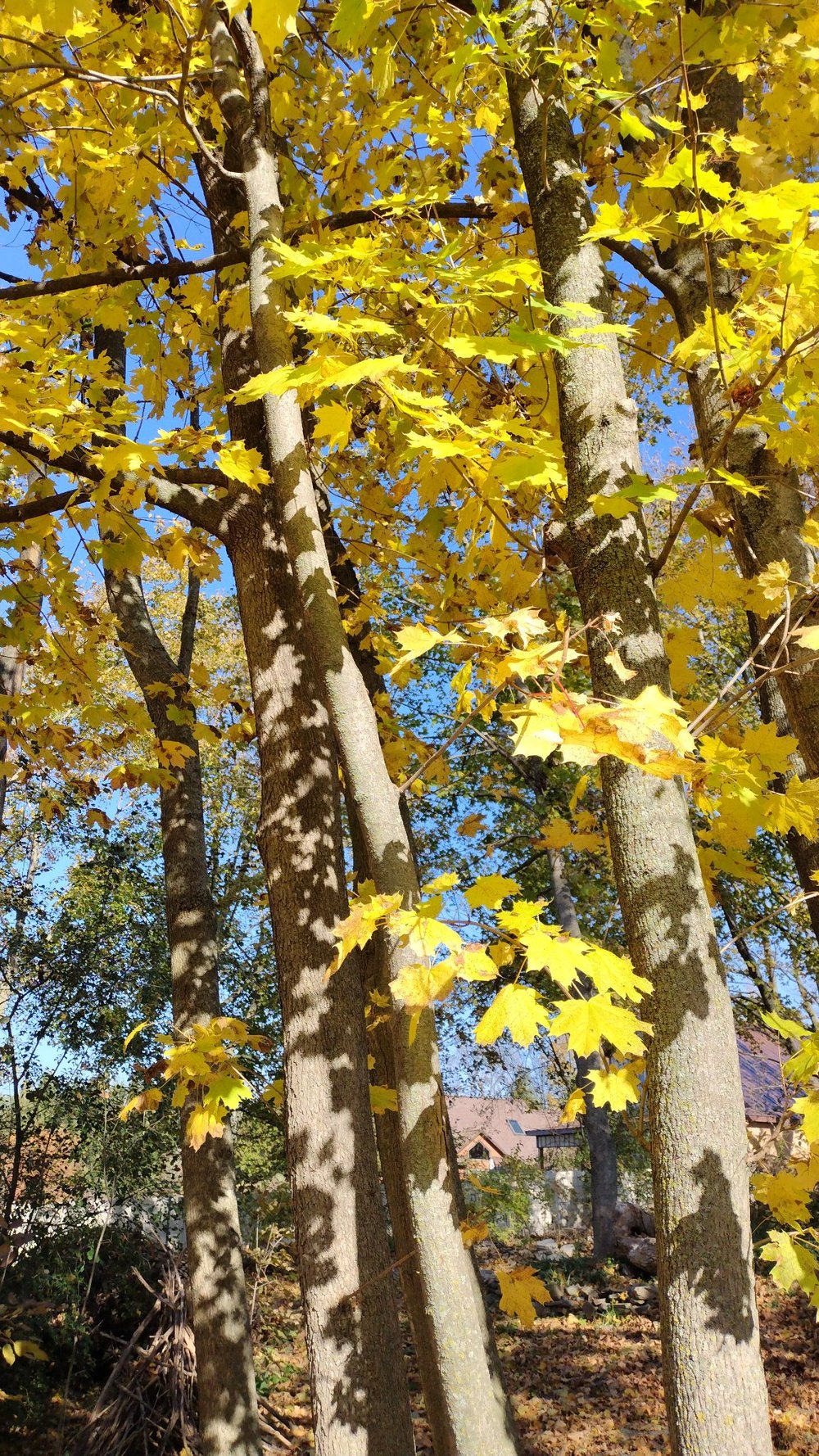
Maple canopy
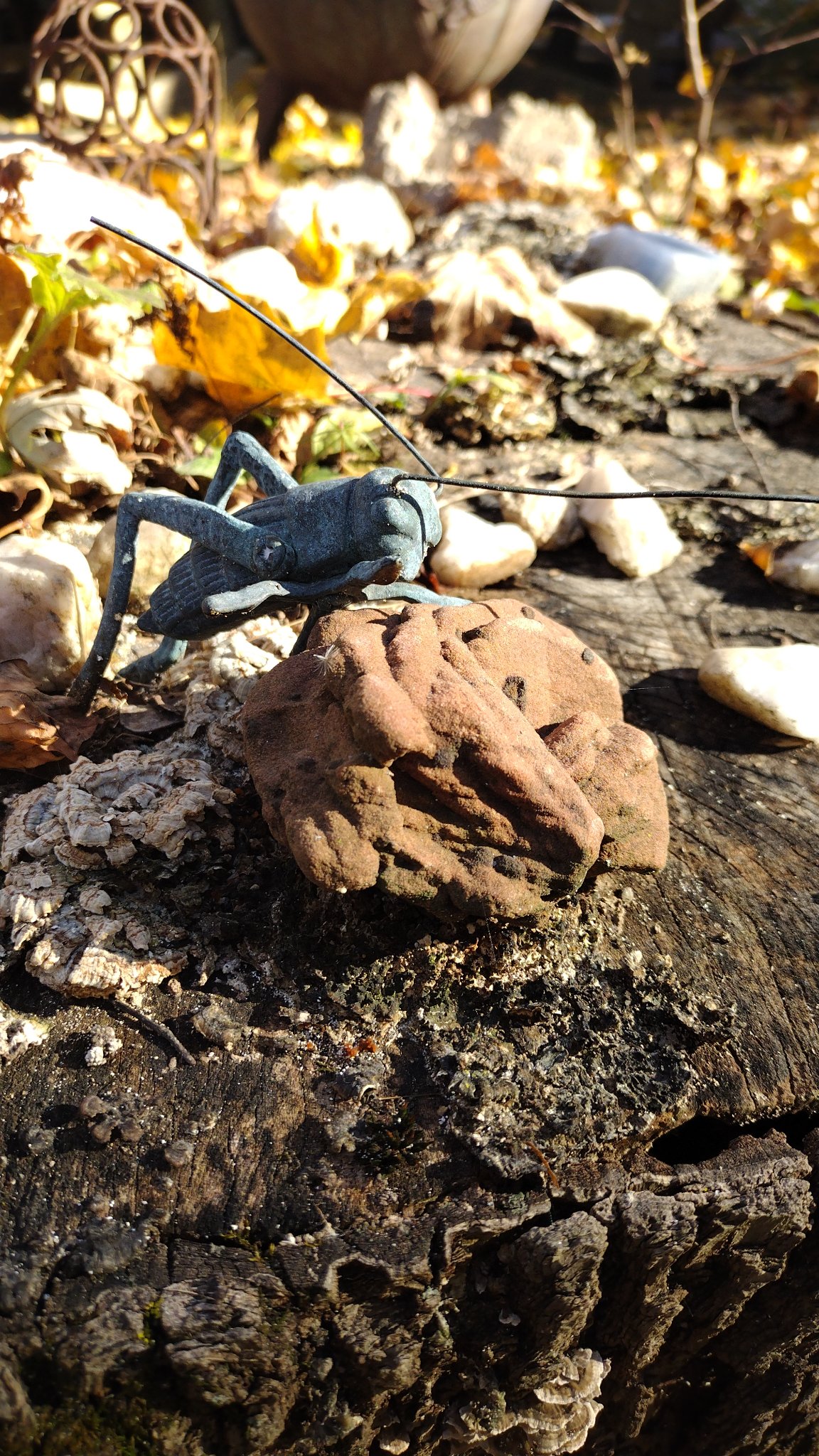
Grasshopper, close focus
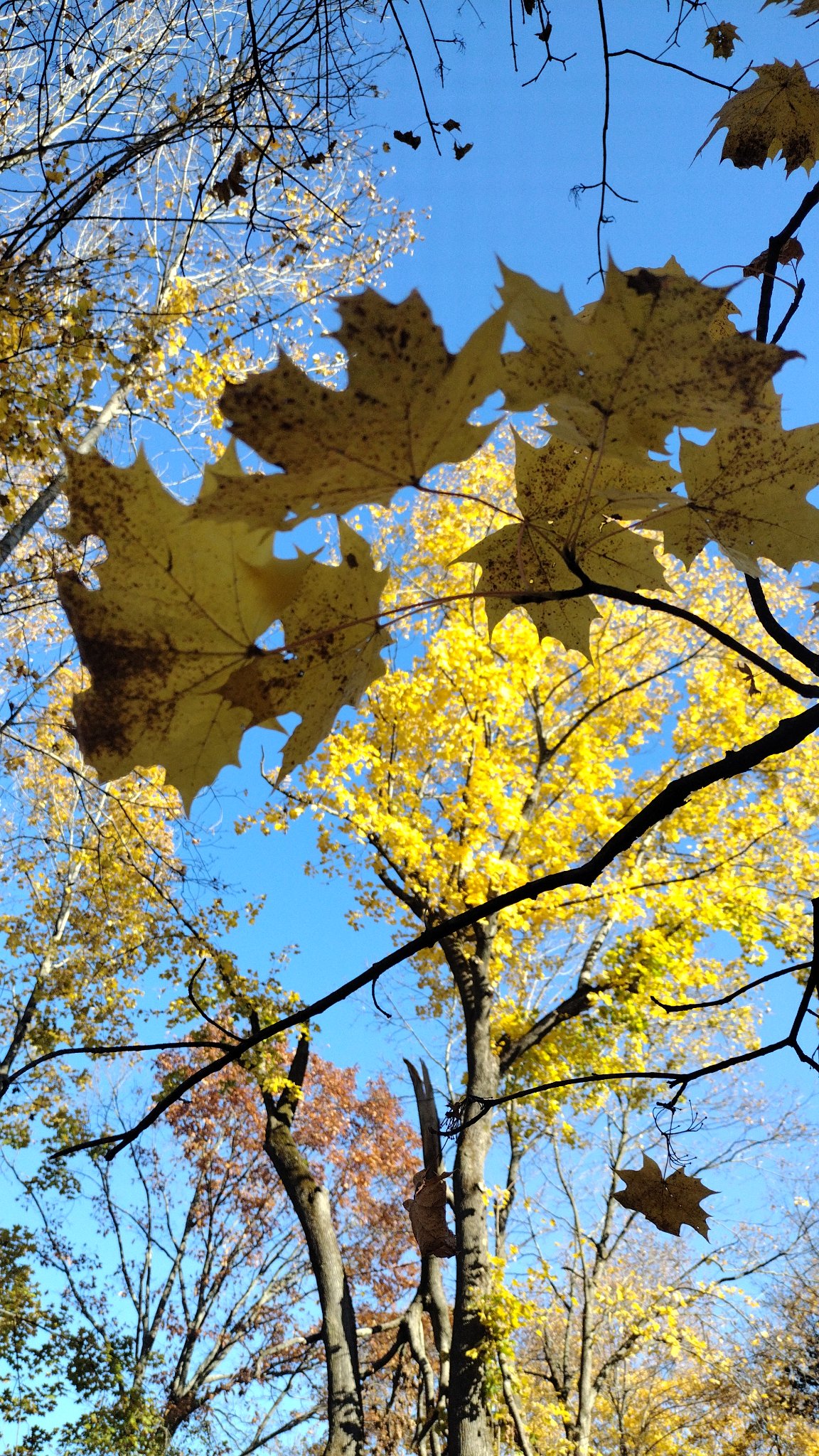
Looking up
KestrelStudio beta
My handmade Android photo editor — help me test it.
A kestrel for a knave — from the Book of St Albans, 1486. Not the king's falcon, the common person's. Eye captures, Studio finishes.
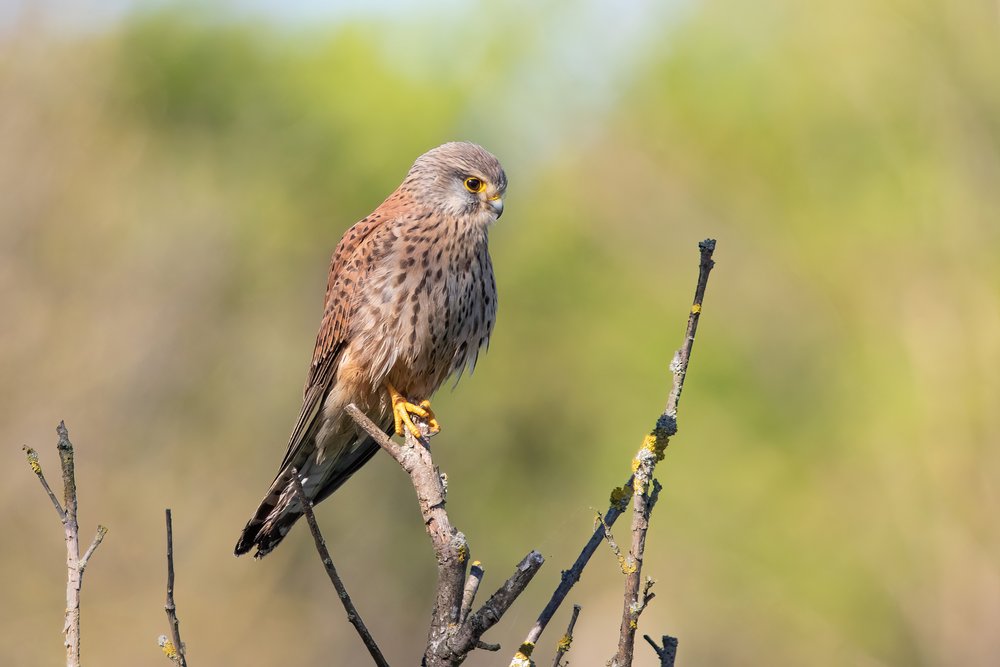
Common kestrel, Parc Georges-Valbon, France, 17 April 2022. Photo by Alexis Lours, CC BY 4.0, resized for this page.

I'm a painter first, so I built the paint lab I couldn't buy: real paint body on real paper grain, nine ways to mix a color, and files a print shop can actually use. No ads, no accounts, no subscriptions — just the tools, free.
A photo editor I built from scratch for photographing artwork right: Bee Vision (extreme warm-to-cool temperature with a full spectral remap), an invisibility-cloak background fill, selective recoloring with radial light patterns and ancient symbols, dodge & burn brushes, red-eye removal, directional motion fade, a hexagonal prism kaleidoscope, a spin-art swirl, the Artify one-tap remix tab — and a natural-media paint lab: 200 brushes, 7 palette knives, watercolor with wet edges, spray/splatter/drips, smudge sticks, erasers, tape-off masking, all on real paper grain. Zero ads or trackers.
On a computer? Scan the code with your phone — this file only opens on Android phones and tablets.
Still small for what it does. Handmade will do that — 1.1 MB, no ad SDKs, nothing you didn't ask for.
Private by construction: no account, no tracking, works fully offline. Your paintings never leave your phone unless you share them. And when a piece is ready for the wall, export a CMYK TIFF straight to the print shop.
How to install: 1) Tap Download — the file saves to your Downloads. 2) Open your Files app → Downloads and tap the .apk file (if it doesn't end in .apk, rename it so it does). 3) If asked what to open it with, choose Package installer — not Google. 4) Allow "install unknown apps" for Files if prompted, then tap Install.
New in v1.46: a new Visual Effects tab. Audio filters, designed from pedal behaviour — Echo Trails (Tape Echo), Halo Bloom (Spring Reverb), Fuzz Crush (Big Muff), Wah Sweep (Cry Baby), Shimmer Double (Boss CE-2) — the app does not listen to or analyse audio, and adds no mic permission. Mind's Eye filters, style translations of my own pieces and process, not copies — Parasol Flat (from Parasol), Angel Fire (from Angel on Fire), Universe Scribble (from Friday Night in the Universe), Violet Muse, and Mental Canvas (gesture, then hatching, then forms half-resolved). Wildcraft is intact, with a button to it from the new tab, plus a small stylised pattern overlay — Stripes, Spots, Iridescence, Flocking — labelled stylised, not a real animal or a scientific pattern. Since v1.43, also new and never published before: a Type & SVG tab — typography with kerning, wrap, stretch, shadow, bevel, per-letter pull, SVG text export as real text, and user font import through the system file picker — and an SVG creation kit with shapes, freehand paths, cones, moon phases, seven stylised mountain ranges (Grand Tetons, Adirondacks, Andes, Himalayas, Alps, Rockies, Appalachians), and pseudo-3-D items (frames, windows, boxes, cylinders, chairs, benches), with SVG export and import. Fonts are now all OFL, one style per family: Abril Fatface, Dynalight, Gerhaus, Poppins, Playfair Display, Quicksand, Space Grotesk, Libre Baskerville, Cinzel, IBM Plex Mono. Honest limits: Type & SVG work does not yet save into .kst projects, and on-device tap-through of the new tabs is still owed — I am the tester. Zero new permissions. Before that, v1.43: ten new paint finishes in the Finish section, next to the Metallic slider — Pearl (shine that shifts colour with the light), Chrome (mirror shine), Gold leaf (warm gilt with flake and crackle), Rust / patina (aged metal with green verdigris), Matte (flat, chalky, no shine at all), Gloss lacquer (wet clearcoat look), Satin (soft sheen), Glow (paint that gives off light), Holographic (oil-slick rainbow), Glass glaze (deep and clear). Each one changes how the paint answers light, not the colour, and finishes save in materials and .kst projects. Zero new permissions. Before that, v1.42: a new Wand tab for one-handed creation — one hand holds the phone, the other casts. Tap 1–3 rune glyphs (Line, Spiral, Star, Wave, Dot, Crescent, Cross, Web) and Cast: the first rune sets the motif, the second the arrangement, the third the finish, so the same cast always makes the same creation and different casts make new ones. Cast the bones throws a random cast. After a cast, Turn sideways rotates it 90° each tap, and the flips mirror it left-right or top-bottom. The cast lands as a new creation — Darkroom finishes it. Zero new permissions. Before that, v1.41: labeled preset image sizes in the New Image dialog — Phone (Phone screen Android 1080×2400, iPhone 1170×2532), Icons (Play Store 512×512, launcher 192×192), Headers (X 1500×500, Facebook cover 851×315, YouTube channel art 2560×1440), Ads (medium rectangle 300×250, leaderboard 728×90, mobile banner 320×50, half page 300×600), Social (square post 1080×1080, portrait post 1080×1350, story 1080×1920). Pick one and you get a blank canvas at exactly that size, in your chosen background. The old paint and blank-photo sizes are all still there. Zero new permissions. Before that, v1.40: the 'kestrel for a knave' line in the About panel, with a shrunk kestrel photo (Alexis Lours, CC BY 4.0) — the same line and photo are on this page, above. Before that, v1.39: a new Wildcraft tab — webs, nests, hides, and feathers, each with types to pick from. Webs: Orb, Funnel, Sheet, Cobweb. Nests: Cup (the semi-spherical bowl, front rim sharp, back rim soft for depth of field), Dome, Platform, Hanging pouch. Hides from real animal skins: Blotch, Spots, Stripes, Bark. Feathers: Owl bark (an owl disappearing into tree bark), Barred, Mottled. Plus Simulated 3D — anaglyph and side-by-side pairs built on the Dimensionalizer's assumed depth, honestly labeled simulated, not true stereo capture. Zero new permissions. Before that, v1.38 removed the edge sliders — the vertical size and opacity strips at the screen edges are gone, because they sat on top of the mode tabs and panel rows and ate taps at the edges, Bee's Eye included. Size and opacity still live in the paint sheet, the brush popover, and QuickMenu. Also recently: v1.37 brought the darkroom declutter — the deep rows now scroll sideways instead of squeezing a button's text into a vertical letter column, with shorter labels and trimmed hints — and findable palette knives, with every brush category as a visible chip row plus a one-tap Knives shortcut; v1.36 brought two fixes from on-phone testing — pinning a brush no longer hides the full brush list (the brush chooser now opens at full height no matter what is pinned, and pinning or unpinning refreshes it on the spot), and the painting controls now wait 15 quiet seconds before dimming, and dim more lightly, so they stay readable while you choose; v1.35 brought vertical canvases in the New Image dialog — portrait sizes (1200×1600, 1500×2000, 1800×2400 Print) listed first, all landscape sizes still there; a portrait canvas is the same pixel count as its landscape twin, so nothing costs extra memory; v1.34 did under-the-hood work — faster darkroom rendering with less memory churn, plus undo + redo sharing a ~120 MB budget with a one-time toast when the oldest undo drops; v1.33 brought swipe-to-adjust in the darkroom (the picture is the slider), a QuickMenu radial on two-finger tap, edge sliders for size and opacity that only appear with a brush active, real two-colour pigment mixing, and the Dimensionalizer — tap a focal point and the background recedes into atmosphere; v1.32 added the Finish in Studio bridge from KestrelEye and the one-word KestrelStudio name; v1.31 brought a recent-brushes strip, selective control points, pin-your-own tools, flip + greyscale preview, fading controls, and Simple Mode; v1.30 centered the popovers; v1.29 brought the full darkroom, materials shelf, spectrum color selector, .kst project files, and auto-save every 2.5 minutes.
Android only — same install-from-browser step as above. Your phone may warn you (unknown sources / Play Protect): that's normal for any beta app outside the Play Store — tap Install anyway. KestrelStudio asks for zero permissions, has no ads or trackers, and works fully offline. Found a bug or have an idea? Tell me.
MulchTune beta
My handmade guitar tuner — help me test it.
A tuner I built with my MulchTone Guitars partner Patrick Bouchard: 21 tunings across guitar, bass, and ukulele, a chromatic mode, a metronome with tap tempo, and a 2-minute recorder. The screen flashes blood red the moment your string locks into tune. Zero ads or trackers.
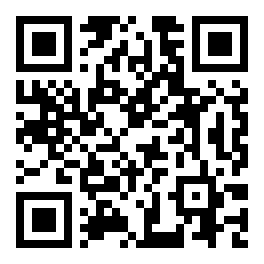
On a computer? Scan the code with your phone — this file only opens on Android phones and tablets.
How to install: 1) Tap Download — the file saves to your Downloads. 2) Open your Files app → Downloads and tap the .apk file (if it doesn't end in .apk, rename it so it does). 3) If asked what to open it with, choose Package installer — not Google. 4) Allow "install unknown apps" for Files if prompted, then tap Install.
New in v1.7: Open G minor, Open E7, and 1½-steps-down tunings, plus a stitched-guitar watermark honoring the MulchTone build philosophy. On iPhone? Use the web version.
Android only — same install-from-browser step as above. Found a bug or have an idea? Tell me.